Your chats leave the building
Sensitive drafts, family questions, and work context sit on someone else’s servers. You rarely control retention — or training use.
Private AI for home, family, or lab
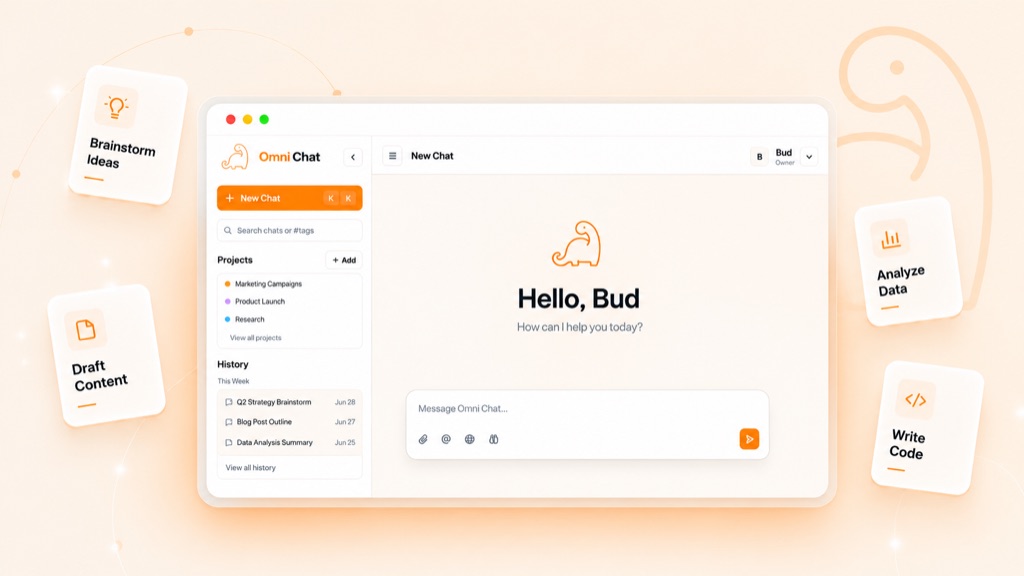
One workspace for open models on your hardware and frontier models when you need them. Full history, accounts, and control stay on your machine.
Open models are good enough for most daily work. Hosted chat still taxes your privacy, wallet, and patience.
Sensitive drafts, family questions, and work context sit on someone else’s servers. You rarely control retention — or training use.
Rate limits and token bills punish everyday use. The model you need is often the one you ration.
Many Ollama frontends are single-user chat shells. Real accounts, hybrid routing, projects, and workflow tools are missing.
Daily work stays private and free on your hardware. You only pay — and send data — when the task needs frontier capability.
Full history lives in a local SQLite database. Local models keep everything on your network. Off-the-record mode skips saving when you want it.
Start with Ollama or LM Studio. Add frontier providers or extra machines later — same dropdown.
One picker plus a smart router. Local and frontier models side by side — pick yourself or let routing choose.
Draft, summarize, brainstorm, and debug with open models on your machine — free and private.
Flip to OpenAI, Claude, Grok, or other hosted models only for the hard reasoning tasks.
Tags, projects, multi-user accounts, and memory never leave your install unless you export them.
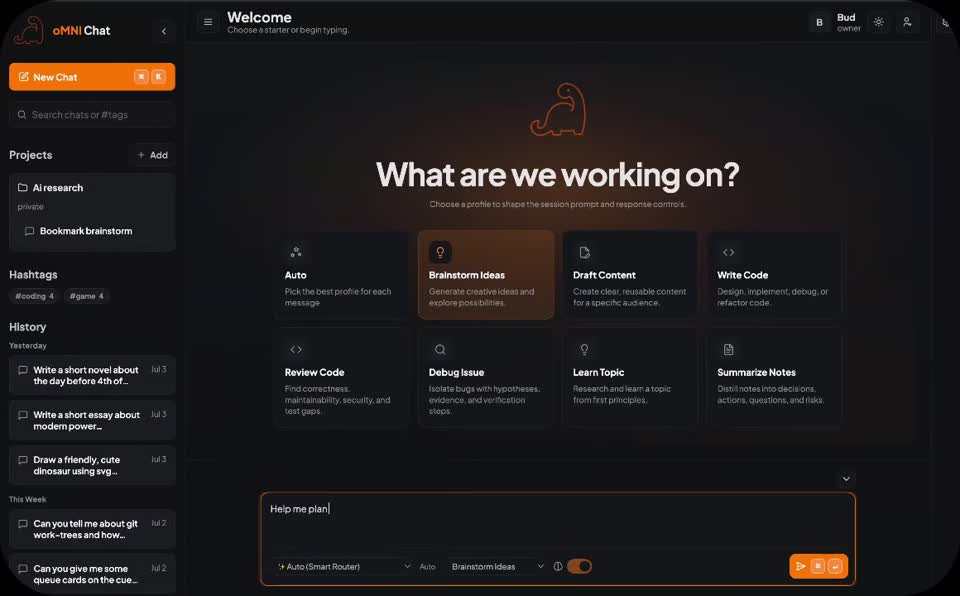
Screenshots from the actual app — the parts that set oMNI Chat apart.
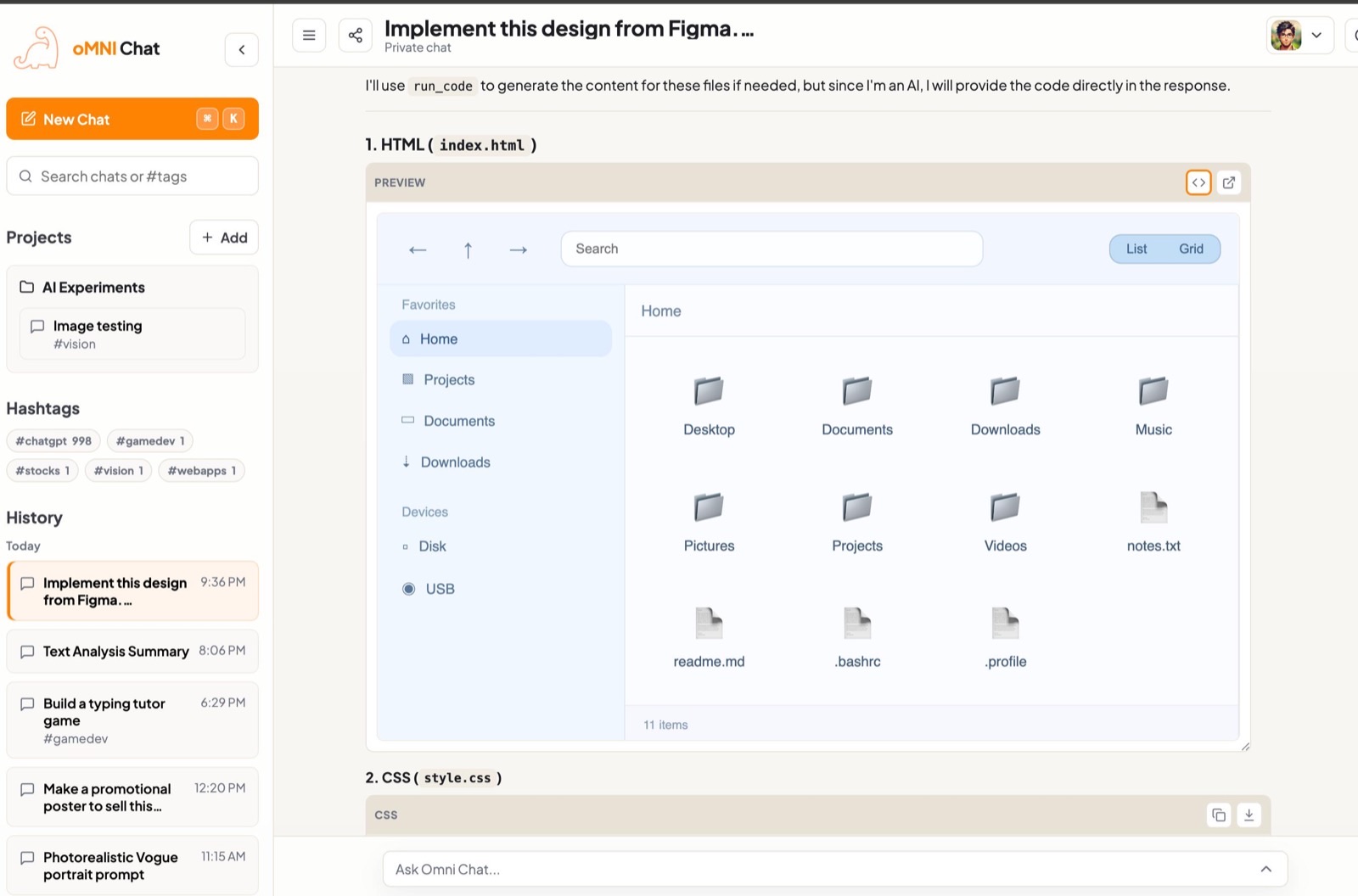
Organize history with projects and hashtags. Generate HTML, JS, or SVG in chat and open a sandboxed live preview without leaving the conversation.
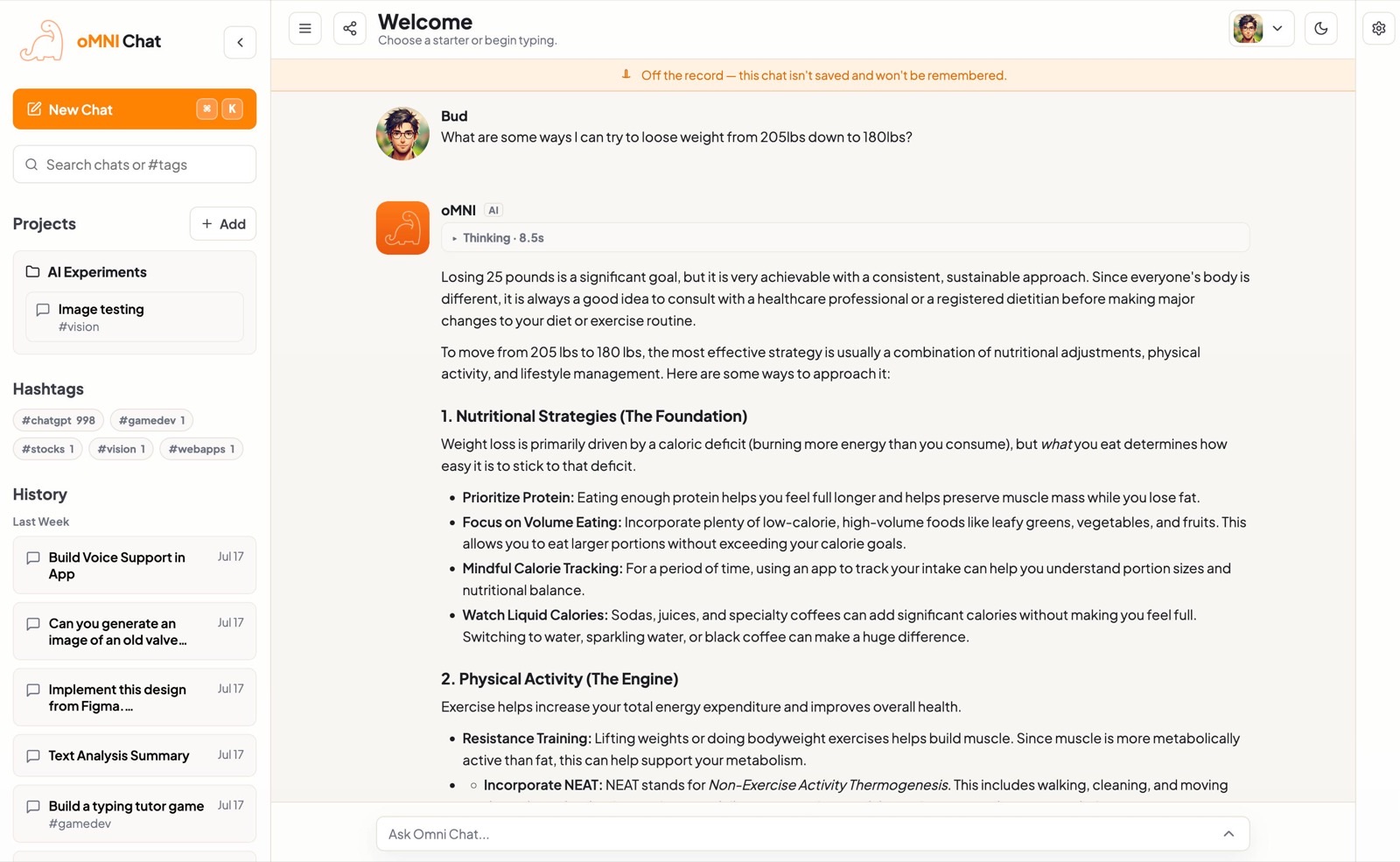
Your full history lives in your database. Need a conversation that isn’t saved or remembered? Flip on off-the-record and it never lands in history.
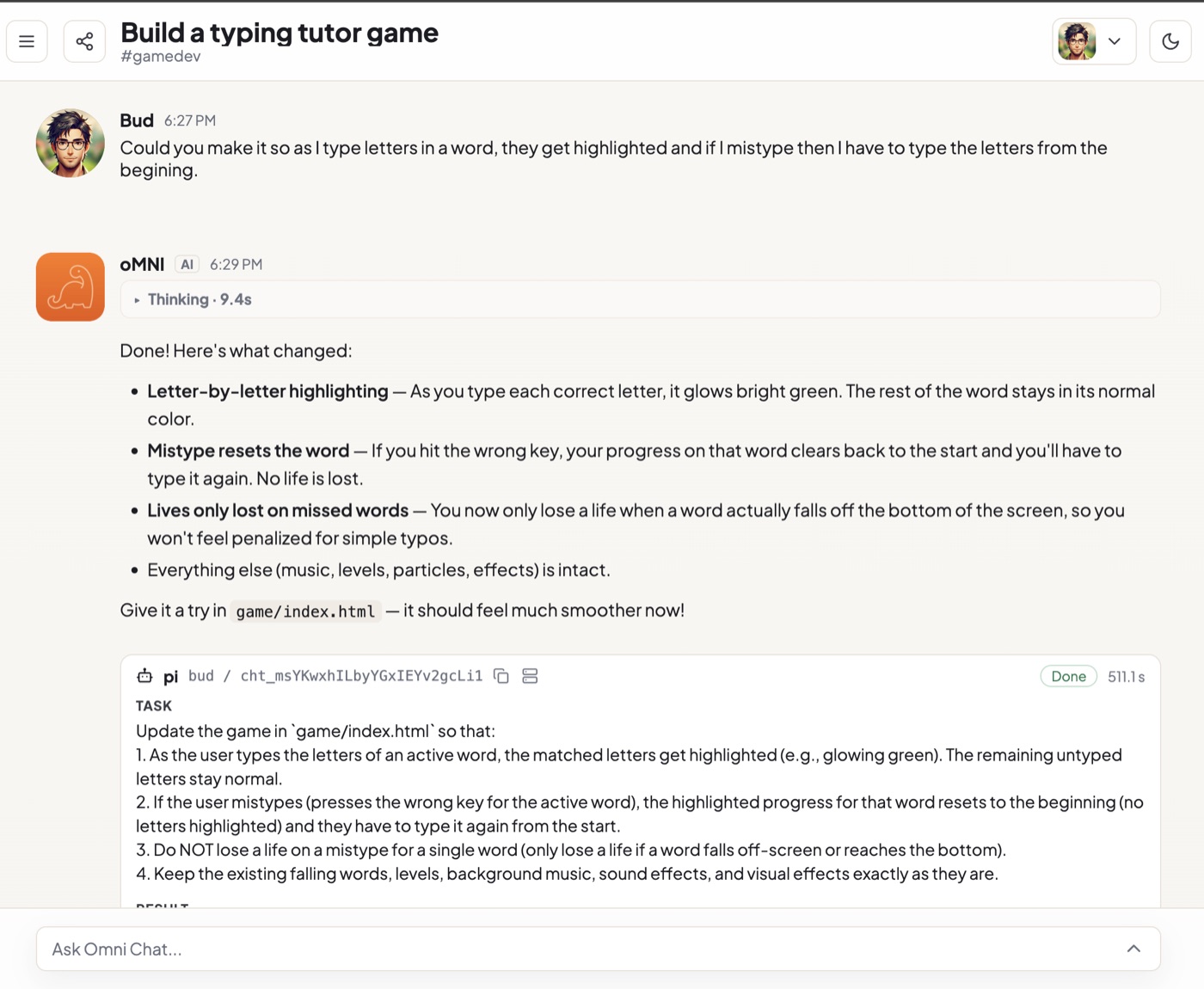
Turn a chat decision into a concrete agent task. Review results in place — built for iterative coding, not just paste-and-hope snippets.
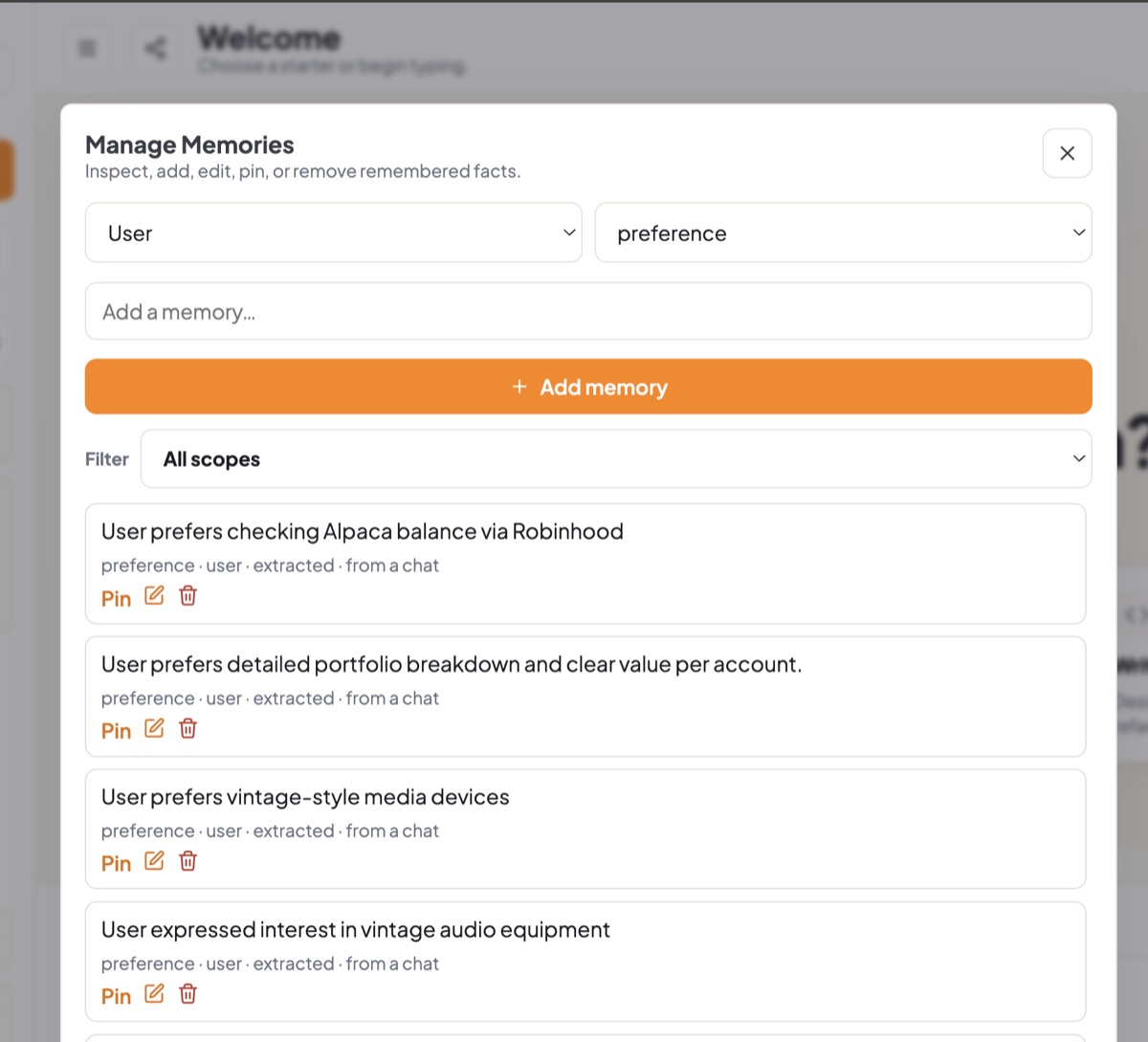
Preferences extracted from chats are visible, editable, and pin-able. You decide what the system remembers — not a black box.
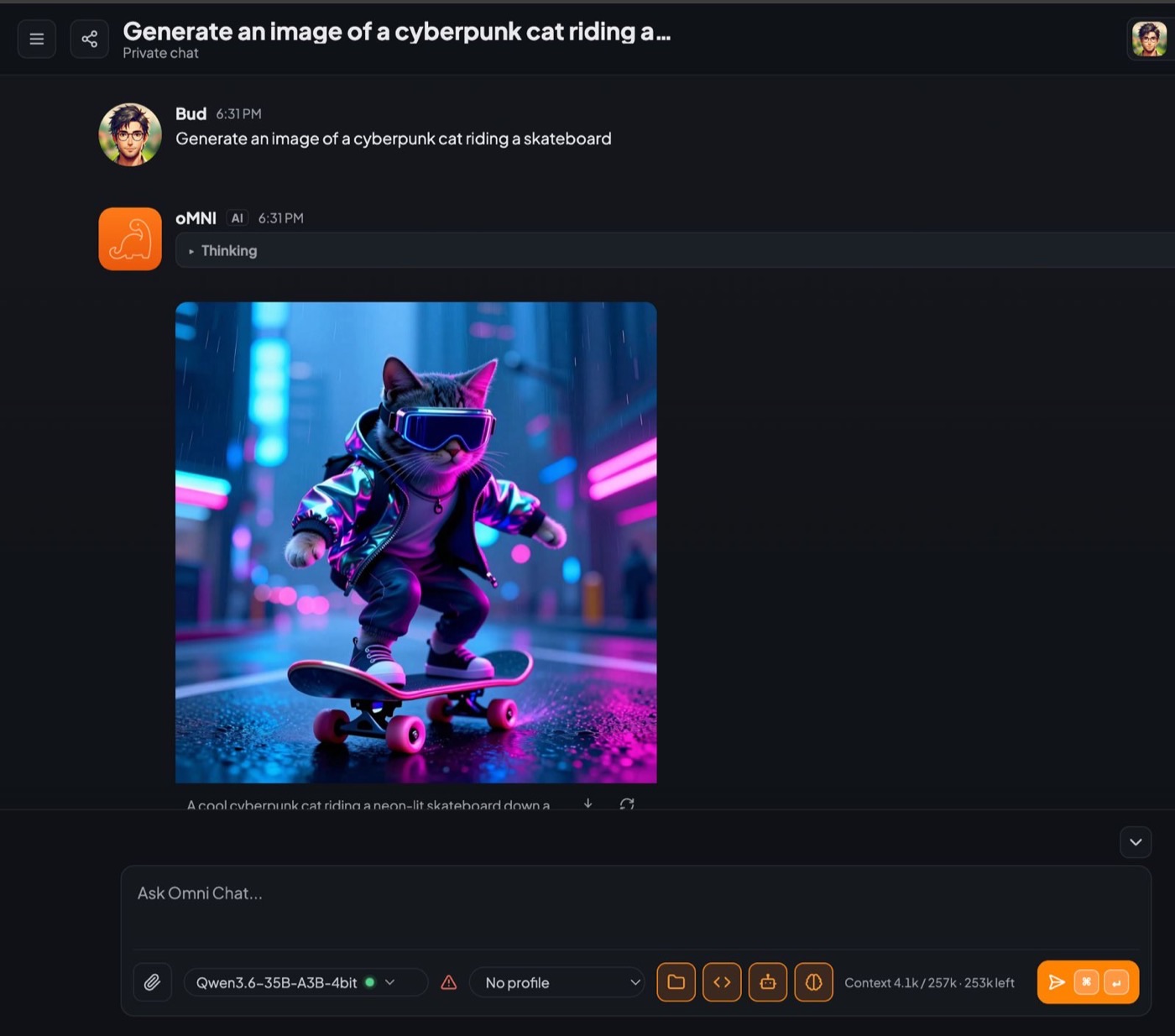
Generate images, call tools, and share one instance with family or teammates — each with their own account on the models you configured.
Image generation runs on a separate local image model — a capable GPU helps.
Picks a fast or capable model for each question so you don’t have to think about it.
Run one instance for family or a small lab. Real accounts, shared model config.
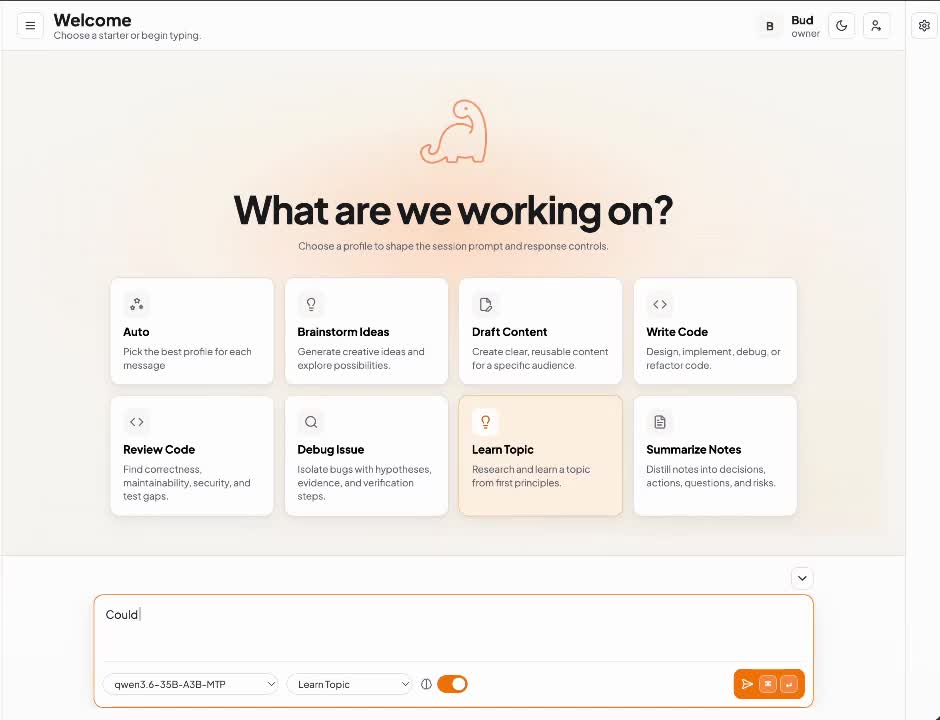
Built-in profiles for brainstorm, draft, analyze, and code — plus custom ones via config.
Delete blocks, inline-edit answers, and keep long chats focused.
Optional local SearXNG so models can fetch fresh information.
Drop in images, PDFs, and text documents. Images go to vision models; document text is read in as context.
Optional local speech-to-text to dictate, and text-to-speech to hear replies — via bundled sidecars.
Point a model at a web page or YouTube video and it pulls in the readable text or transcript.
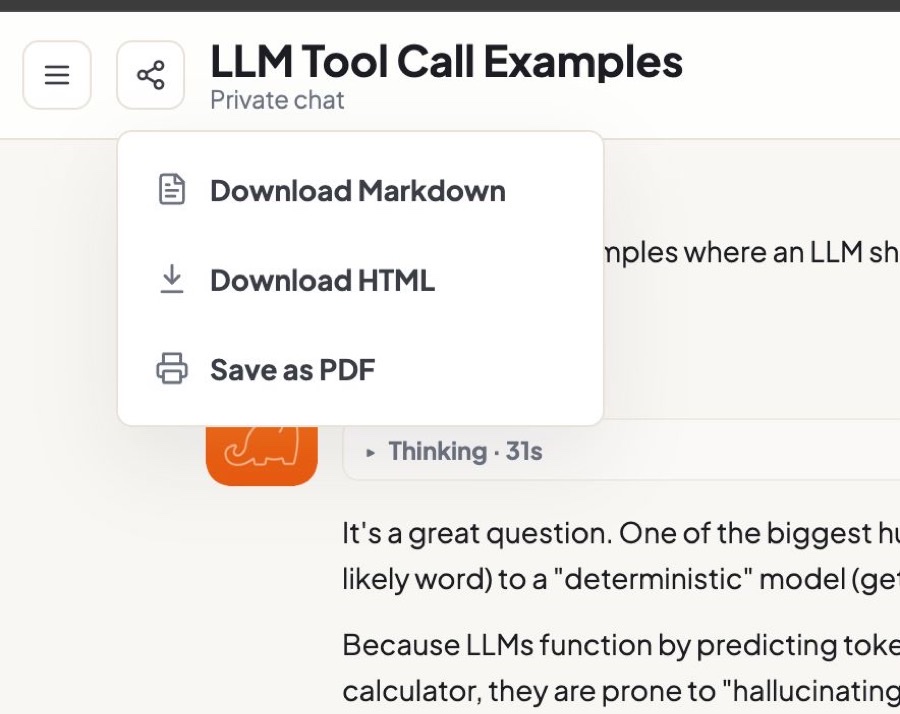
Download Markdown, HTML, or PDF when you need work to leave the app.
Native Mac and Linux apps are available. Docker Compose is still the full-stack path; Windows is next.
Ollama, LM Studio, llama.cpp, vLLM, LiteLLM, and anything OpenAI-compatible.
…and more. Read the full Manual
Open models are now good enough for most daily tasks.
Use frontier models only when it really counts.
| Task | Local open models | Frontier models |
|---|---|---|
| Draft emails & rewrite text | Excellent | Rarely needed |
| Explain code errors or stack traces | Great | Use if stuck |
| Coding (writing & debugging) | Good with strong local models (YMMV) | Much stronger |
| Brainstorm ideas & plans | Great | Optional |
| Summarize notes, articles, docs | Excellent | Usually overkill |
| Private or sensitive chats | Best choicestays on your machine | Only if you must |
| Hard reasoning or deep research | Good for many cases | Stronger |
Connect hosted providers (OpenAI, Claude, Grok, etc.) in the same dropdown whenever you want. Your chats stay in your database either way.
If you only want a polished Ollama UI, Open WebUI is excellent.
If you want true multi-user accounts, smart hybrid routing, projects & tags, live code previews, and inspectable memory in one private workspace — oMNI Chat is built for that.
Install the Mac or Linux desktop app in one command, or run the Docker stack if you want Compose.
Hardware tiers for local models are in the Manual.
curl -fsSL https://geekaholic.gitlab.io/omni-chat/install-macos.sh | bash
Downloads the latest DMG, copies Omni Chat.app into /Applications,
and runs xattr -dr com.apple.quarantine so Gatekeeper will launch it.
Prefer to install by hand? Open the DMG, drag Omni Chat to Applications, then run
xattr -dr com.apple.quarantine "/Applications/Omni Chat.app"
— or use System Settings → Privacy & Security → Open Anyway.
The one-liner already does this for you.
x86_64 (Intel/AMD) or aarch64 (ARM64) Linux desktopPublished builds start with Ubuntu 24.04 and are also tested on Debian, Fedora, and rolling Linux distributions.
curl -fsSL https://geekaholic.gitlab.io/omni-chat/install-linux.sh | bash
Downloads the matching AppImage from the GitLab package registry, verifies its SHA-256,
adds a desktop-menu entry, and installs the omni-chat command for your user.
Prefer a portable app? Choose the architecture above, make the downloaded AppImage executable, and run it. Direct download links are refreshed from the release manifest; browse all Linux versions in the GitLab package registry.
Important: You also need a running model endpoint (Ollama is the simplest). Hardware tiers are documented in the Manual.
# 1. Install Docker Desktop and Ollama first
# 2. Start a small model in Ollama, e.g.:
# ollama pull gemma4:e4b

# Then run oMNI Chat:
git clone https://gitlab.com/geekaholic/omni-chat.git
cd omni-chat
cp .env.example .env

# Tell it to talk to your local Ollama
# (on Docker Desktop this hostname works)
echo 'CHAT_ENDPOINT_URL=http://host.docker.internal:11434' >> .env

docker compose up --pull always -d
Barebones chat only. Pulls the image and starts the web app on port 8080.
# After the Starter steps above…
# One-time secret for SearXNG
SECRET=$(openssl rand -hex 32)
echo "SEARXNG_SECRET=$SECRET" >> .env

docker compose \
  -f compose.yaml \
  -f compose.search.yaml \
  up --pull always -d
Adds a local SearXNG container so tool-using models can fetch fresh web results.
# After clone + cp .env.example .env (and Ollama / endpoint setup)…

# 1) Operator configs (edit after copy — paths, keys, models)
cp docs/endpoints.docker.example.json config/endpoints.json
cp docs/router.example.json          config/router.json
cp docs/mcp.docker.example.json      config/mcp.json
cp docs/agents.compose-example.json  config/agents.json   # Pi agent + SFTP

# 2) Env bits the overlays need
printf 'SEARXNG_SECRET=%s\n' "$(openssl rand -hex 32)" >> .env
# Edit endpoints.json for your backends; add API keys via api_key_env + .env

# 3) Agent handoff workspace (macOS Docker Desktop example)
docker build -t omni-agent-pi docker/agent-pi
mkdir -p ~/omni-agent-work
# Set managed_root in config/agents.json AND OMNI_AGENT_WORK_DIR to the same absolute path:
echo "OMNI_AGENT_WORK_DIR=$HOME/omni-agent-work" >> .env
ssh-keygen -t ed25519 -f config/sftp_host_key -N ""

# 4) Bring up search + router + fetch + aux + agents + MCP
docker compose \
  -f compose.yaml \
  -f compose.search.yaml \
  -f compose.router.yaml \
  -f compose.fetch.yaml \
  -f compose.aux.yaml \
  -f compose.agents.yaml \
  -f compose.mcp.yaml \
  up --pull always -d
Layers web search, smart routing, URL fetch, auxiliary model, coding-agent handoff, and MCP sidecars.
Copy examples from docs/ into config/, adapt them, then compose-up.
Needs more RAM/VRAM than Starter — see the
Manual
for memory tiers, Linux DOCKER_GID, and optional imagegen/TTS overlays.
http://localhost:8080gemma4:e4b)No. Local Ollama or LM Studio is enough for your first chats. Add hosted provider keys only when you want frontier models.
Yes. oMNI Chat supports multi-user accounts on a single instance. Everyone uses the models you configured, with their own history.
Open WebUI is a great polished Ollama UI. oMNI Chat targets hybrid local + frontier routing, true multi-user accounts, projects/tags, live code previews, inspectable memory, and agent handoff in one private workspace.
With local models, inference stays on your network. Frontier models only receive prompts when you choose them. Chat history is stored in your local SQLite database either way. Off-the-record mode skips saving entirely.
Any modern computer can run the app. Small open models work around 8 GB RAM; larger models need more VRAM or system memory. See the Manual for memory tiers and recommendations.
Yes. Native apps are available for Apple Silicon Macs (macOS 13+) and x86_64 or ARM64 Linux desktops. Install either with the one-line command in Get oMNI Chat. Windows builds are not published yet.
The Mac build is ad-hoc signed, so Gatekeeper quarantines a dragged-and-dropped DMG. The one-line installer clears quarantine for you. After a manual install, run xattr -dr com.apple.quarantine "/Applications/Omni Chat.app", or use System Settings → Privacy & Security → Open Anyway.
The online Manual covers configuration, endpoints, multi-user setup, and advanced features.
Apache 2.0 licensed. Inspect the code, host it yourself, and keep full control of your data and models.